Feel the room. Before you lose it.
HeatCheck helps you know what your listeners want to hear. They rate the vibes, and you see the room’s interest in real time. Keep going, or change direction — you steer the room to stay hot while your audience is still engaged.
Draft strategy for Round 2
↑ Drag it. You're part of this room now.
A live simulation of the page your audience opens. Drag the slider to move the room.
For any show with a live audience
- Sports talk
- Podcasts
- Watch parties
- AMAs
- Debate nights
- Fantasy drafts
- Live coaching
- Q&A shows
- Post-game shows
- Book clubs
- Twitch streams
- Panel interviews
One link for them. One dashboard for you.
Both stay in sync throughout the show. Audience tools live on one screen; controls and analytics live on the other.
Draft strategy for Round 2
heatcheck.io/your-handle
One permanent link for every show. Add it to your channel description, lower third, or on-screen QR code.
- Rate the live segment from 1 to 10 and update it whenever interest changes
- Join from any browser — no account, app or plugin
- Watch the stream, chat, vote, check in and see sponsors in one place
Thursday Night Live
Draft strategy for Round 2
On airIs the MVP race already over?
QueuedNew rule changes, explained
QueuedTrade deadline: winners & losers
QueuedYour dashboard
Keep it open on a second screen. Track interest, see who is here, and run the show from one private dashboard.
- Watch the live average, peak interest and listener count
- Put segments on air so every score has context
- Launch polls, promote listener ideas and swap sponsors without leaving the dashboard
Both screens stay in sync. Nothing to install on either side.
Claim your handle once. Use the same link for every show.
From one link to a complete report
Share your link
Claim your handle once. Add the link to your channel description, lower third, or on-screen QR code.
Go live
Start from the dashboard. Everyone with the page open joins automatically, and voting starts with the show.
Read the room
Watch the live average. Switch segments, launch a poll, or change direction while the show is still moving.
Get the report
End with every segment scored and ranked, plus turnout, poll results, sponsor clicks and roll call.
Everything your audience needs, on one page
Bring the stream, chat, interest meter, roll call, polls and suggestions together around one permanent link. Voting needs no account. Listeners only sign in when a feature needs their name.
Live video
Keep your YouTube stream and chat at the top of the page. Super Chats, memberships, watch time and ad revenue keep working.
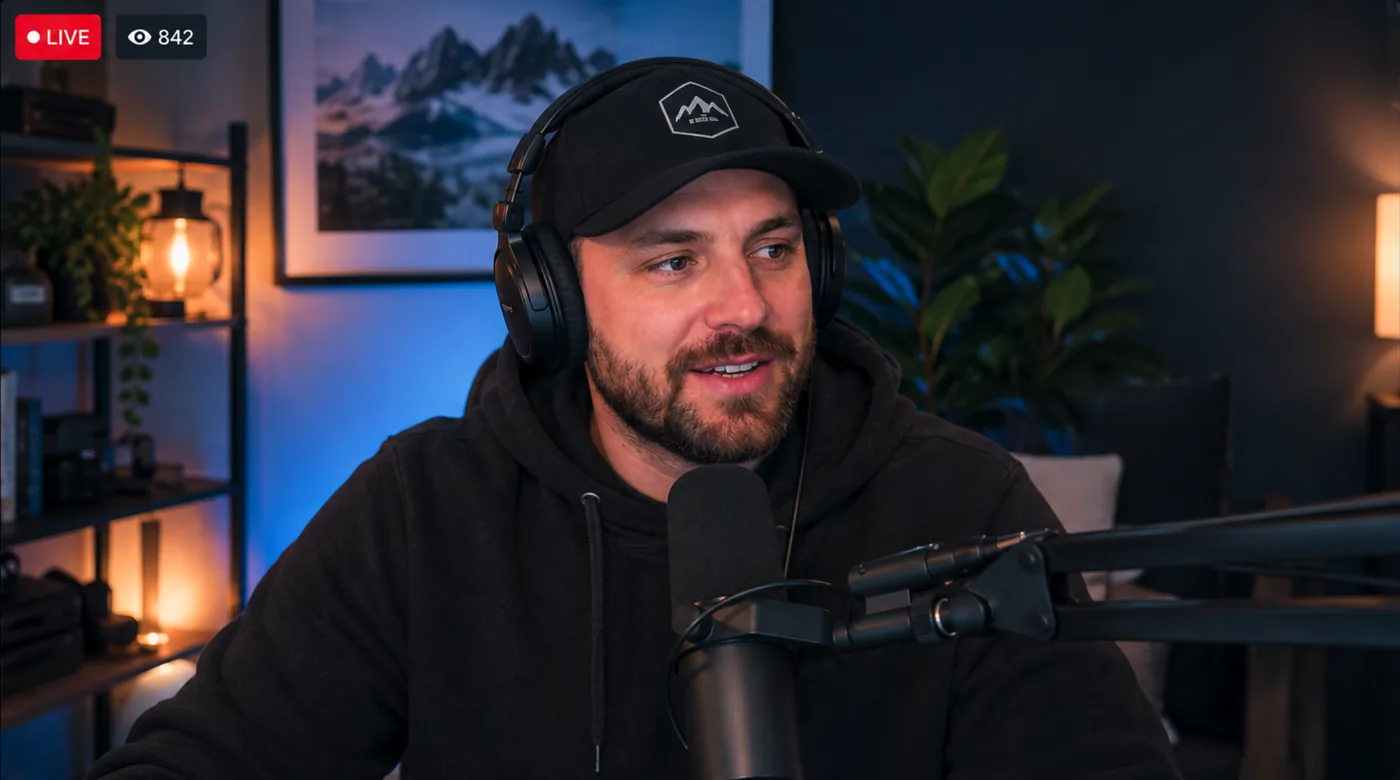
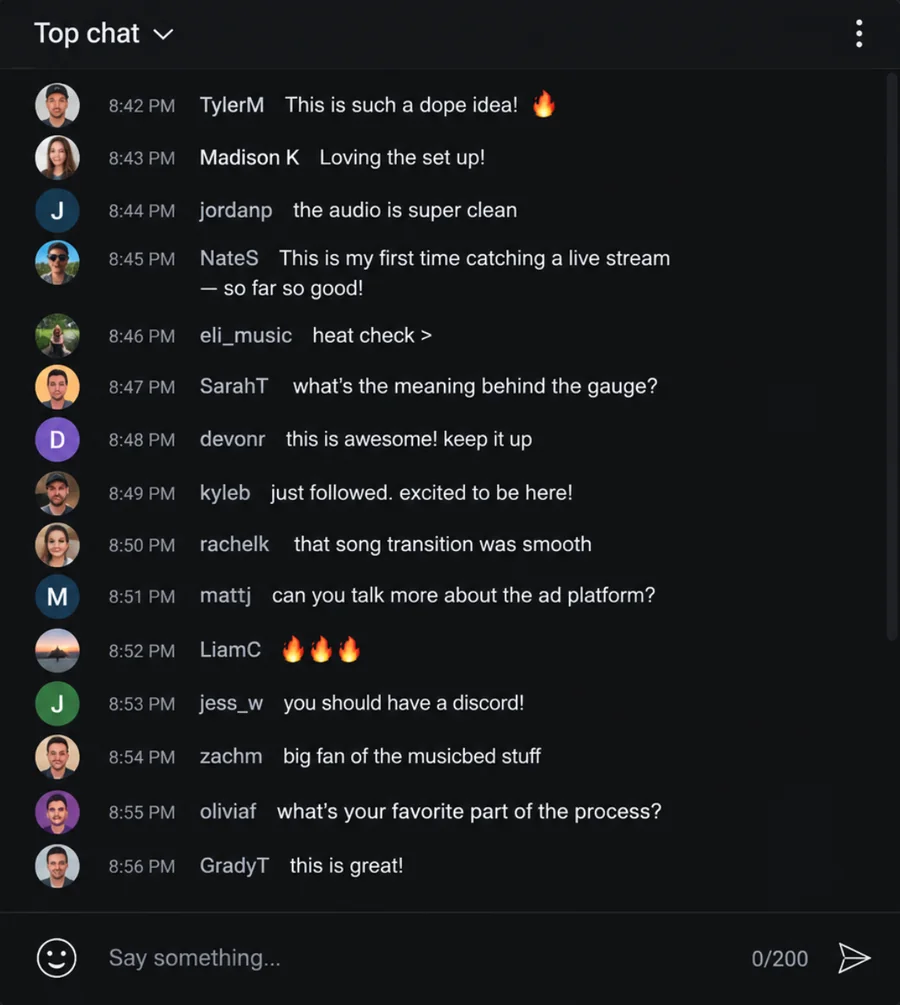
The stream is still your YouTube stream, playing in YouTube's own player via an iframe embed. Super Chats, memberships, watch time and ad revenue all count exactly as they do now.
Choose the audience tools for each show. Leave everything else off.
Know what worked. Plan what comes next.
Six views cover interest, segments, audience, polls, sponsors and show habits. Filter by date or drill into a single show.
Overview
Track eight headline metrics against the previous period, plus the trend across every show. Change the range or choose one show; every figure updates.
Polls and Show habits round out the suite: compare turnout across rating polls and see when you go live and which tools you use.
Shows aired
24
+26%
vs. previous 90 days
Average interest
7.6
/10
+7%
vs. previous 90 days
Peak audience
1,284
+17%
vs. previous 90 days
Votes cast
38,204
+20%
vs. previous 90 days
Jun 4
Aug 6
Vote-weighted across every segment that aired. Ended shows only.
Give sponsors a place in the room
Put a sponsor where your audience is already looking. HeatCheck counts every click by creative and placement, ready for the renewal conversation.
Ad placements
Choose a byline, banner or full spotlight card. Creatives rotate in sync for the whole room, and you can switch sponsors mid-read.
A full card under the gauge. Graphic, copy, and a button.
%22%2F%3E%3Ccircle%20cx%3D%22100%22%20cy%3D%2286%22%20r%3D%2234%22%20fill%3D%22none%22%20stroke%3D%22%23f2b544%22%20stroke-width%3D%224%22%2F%3E%3Ctext%20x%3D%22100%22%20y%3D%2286%22%20text-anchor%3D%22middle%22%20dominant-baseline%3D%22central%22%20font-family%3D%22system-ui%2Csans-serif%22%20font-size%3D%2234%22%20font-weight%3D%22700%22%20fill%3D%22%23f2b544%22%3ER%3C%2Ftext%3E%3Ctext%20x%3D%22100%22%20y%3D%22146%22%20text-anchor%3D%22middle%22%20font-family%3D%22system-ui%2Csans-serif%22%20font-size%3D%2215%22%20font-weight%3D%22600%22%20letter-spacing%3D%223%22%20fill%3D%22%23e8eaf2%22%3ERIDGELINE%3C%2Ftext%3E%3C%2Fsvg%3E)
Ridgeline Coffee — 20% off with OVERTIME
The roast that gets you through a four-hour recording day.
Use the codeSponsor tools are included on paid plans. Start free and upgrade when you are ready to sell a placement.
Plan the show. Run it live.
Build the rundown before you start, then control segments, polls, suggestions, roll call and sponsors from the same dashboard.
Plan the show
Build the rundown, keep private notes beside the gauge, and schedule a start time for your audience.
Roll call and suggestions stay under your control. You decide what reaches the audience page.
Cold open — the injury report
1MVP race: is it already over?
2Mailbag
3Trade deadline: winners & losers
4Thursday — week 12
Cold open: the injury report — keep it short
MVP race — is it already over?
Hard out at 9:40 — trail Sunday's guest before the last break.
Make HeatCheck look like part of your show
Add your logo, choose an accent and tune the gauge. Your audience gets a page that feels native to your show.
Did the refs decide that game?
Buttons, highlights and links across the audience page.
Choose the colors your listeners see. The preview updates instantly.
- Put your logo on every audience page
- Carry your accent through buttons, links, polls, roll call and sign-in
- Choose the gauge colors separately to keep the score easy to read
Start with a preset, then customize the accent and gauge endpoints.
Put the room on your stream
Set up each browser source once. Because overlays belong to your account, not a single show, they stay ready for every stream.
In the scene
Paste one browser-source URL into OBS or Streamlabs. It stays connected to every show and updates with the live room.
Streamyard uses a shareable window instead of a browser source, with the same widgets on an opaque background.
HeatCheck
Current segment
Why the new stadium deal quietly falls apart in year three
Set it up once. Use it every show.
Everything else, answered
Do my listeners need an account?
Not to vote. Anyone with the link can use the interest meter, answer polls and watch the stream. Roll call and suggestions use names, so those two ask for a free listener account.
Does this change how my stream is monetized?
No. Your stream runs in YouTube’s own player, with chat beside it. Super Chats, memberships, watch time and ad revenue keep working as they do today.
Do I need OBS?
No. Everything works with the link alone. OBS, Streamlabs and Streamyard overlays are optional; set one up once and use it for every show.
What does the number mean if hardly anyone votes?
A listener who has not touched the slider counts as a neutral 5, so a few enthusiastic voters cannot dominate the score. Watch how the number moves after a segment change, not just its absolute value.
How long does setup actually take?
Claim a handle, share the link and go live. Add segments, polls, sponsors, branding and overlays whenever you are ready; your audience link never changes.
What does it cost?
Start on Free without a card. Paid plans raise the listener cap and add sponsor, branding and overlay tools. See the current options on the pricing page.
Bring the room into your next show
Claim your handle, share one link and watch audience interest move while you are still on air.
No credit card · Live in under a minute · Log in